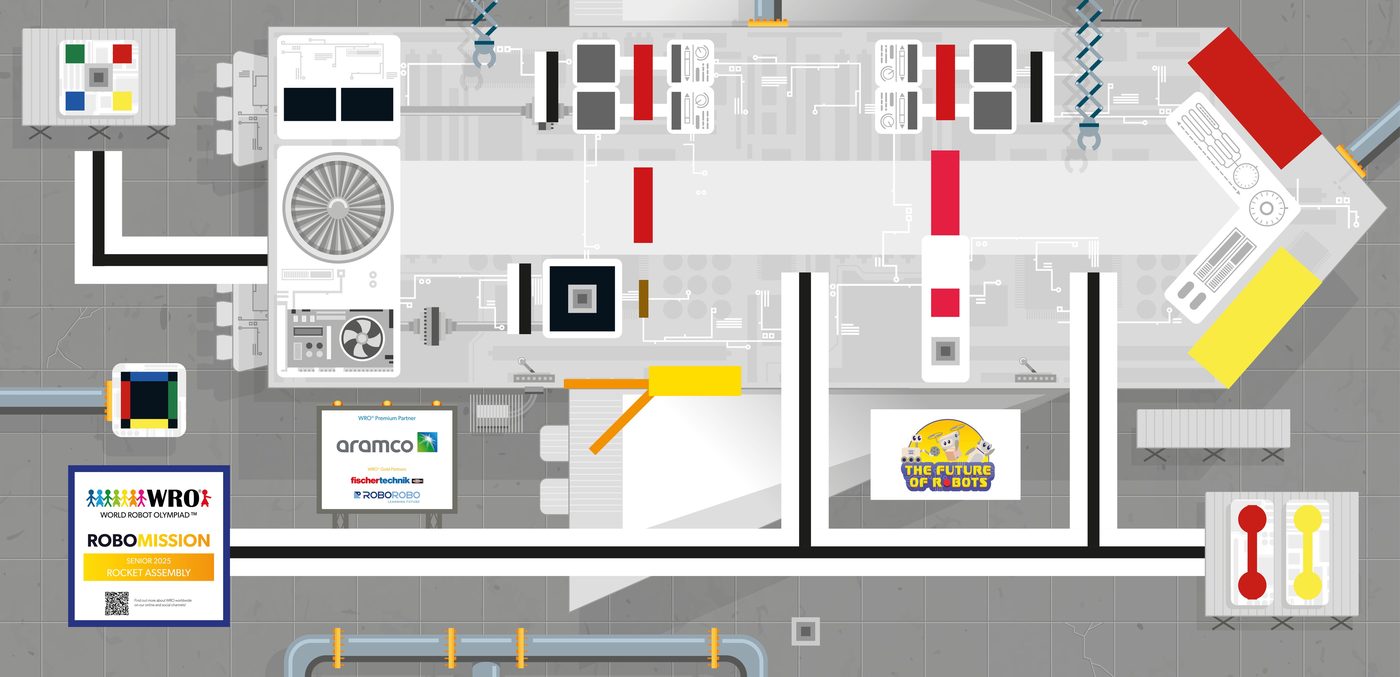
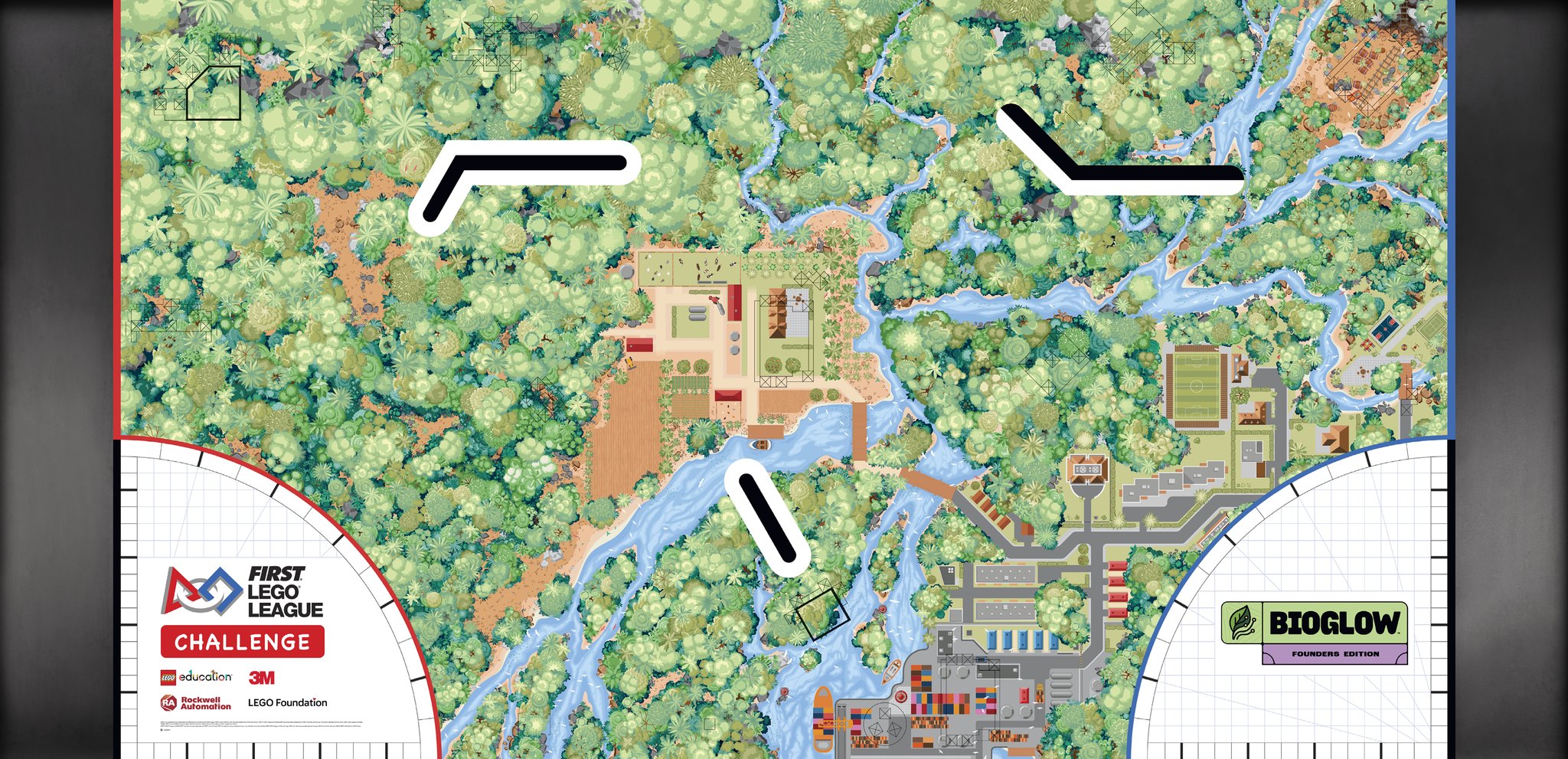
Your robot on the real mat, before you get table time.
RoboSimu is a robot simulator for WRO, FLL, Robofest and VEX teams. Build an EV3, SPIKE Prime, VEX or MATRIX robot, program it with blocks or Python, and watch it run on the official season mat. Its sensors read the mat’s real colours. And in the electronics lab, wire an Arduino or a Raspberry Pi Pico and run real code.
As a guest nothing is kept: a refresh starts fresh. Make a free account to keep your work.
1ColourBlack2Reflect62 %3Gyro90°
Build it, code it, run it.
Build with real LEGO parts
Pick a ready-made robot or build your own from EV3 and SPIKE Prime hubs, motors, sensors, wheels, beams, pins and axles. RoboSimu works out the wheel size, the axle track and which port each motor and sensor uses.
ABCD
1234
Wheel
68.9 mm
Axle track
117.6 mm
Hub
EV3
Code with blocks or Python
Start with blocks for moving, turning, line following and sensors. The same program is always shown as Python, ready for EV3 MicroPython, Pybricks or the SPIKE App, so you can run it on the real robot.
# Exported from RoboSimu
robot.straight(300)
robot.turn(90)
while left_sensor.reflection() > 40:
    robot.drive(150, 0)
robot.stop()
Run it on the season mat
Press Run and the robot drives on a true-to-size mat. Colour sensors read the mat’s real pixels, the gyro and distance sensors work, objects can be pushed, and the on-screen hub has the same buttons as your brick.
RunRunning 00:07.4
Speeds, distances and angles are in real units: millimetres, degrees and ports.
Practise for the competition you enter.
The official season fields, true to size, with their missions and a live score, and online competitions your school can run with medals and certificates.
WRO
RoboMission on the season mat, and RoboSports Double Tennis with two robots and opponents that throw back.
FLL Challenge
The 2026/27 BIOGLOW table with its mission models, plus the building instructions to print.
Robofest
Parking Valet, Autonomous Taxi, Supply Chain and BottleSumo, with a new layout every Shuffle.
IQV5
VEX IQ and V5
Ready-made IQ and V5 robots, VEXcode Python for the real Brain, and game-controller driving.
R4
MATRIX Mini R4
Program it with blocks and download an Arduino sketch for the real controller.
UNO
Arduino & electronics
Uno, Nano, Mega and Pico projects in the lab, with judged challenges: build it, hand it in, get scored.
Your own competitions
Free challenges or registered tournaments with rounds, live leaderboards, prizes and signed certificates.
Blocks that read like the real robot.
Movement, motors, sensors, events, loops, decisions, My Blocks and the full SPIKE Prime set, with a symbol on every sensor block. Snap them together; the robot does exactly what they say.
Moves in cm, degrees and rotations, with hold, brake or coast at the end
Colour, distance, force, gyro, tilt and timer sensors
Line followers, PID and gyro-straight helpers
when program starts
move forward30 cm at 50 %
repeat until colour sensor 1 sees black
follow line on port 1 at 40 %
turn right90 °
play beep 60 for 0.2 seconds
An electronics lab in your browser.
Put an Arduino Uno, Nano or Mega, or a Raspberry Pi Pico, on a breadboard with LEDs, buttons, sensors, servos, steppers, relays, an LCD and an OLED. Write Arduino C++ or MicroPython and press Run: the real compiler and firmware run your code on a simulated chip, and the parts answer it.
The real avr-gcc for Arduino sketches, the real MicroPython 1.24 for the Pico
Live voltages on every pin, a schematic view and a list of every connection
Short circuits, overloaded pins and 5 V on a 3.3 V pin flagged; ignore the warning and the part heats up, smokes and burns
Arduino and electronics challenges, judged by your teachers
PythonWrite it yourself, several files, run in the simulator.
Pybricks & SPIKE AppDownload for EV3 and SPIKE Prime.
VEXcode PythonDownload for the VEX IQ and V5 Brain.
Arduino C++Run sketches on a simulated Uno, Nano or Mega in the lab; download for the MATRIX Mini R4.
AI helperAsks what you mean, then writes blocks or Python.
Electronics labWire an Arduino or a Raspberry Pi Pico on a breadboard and run real code. Open the lab
A mat for every kind of practice.
Official WRO and Robofest mats are added each season from the official files, after your admin approves them. Practice mats can be shuffled for a new layout every run.
For teams, coaches and schools.
Student accounts keep each student’s profile and team.
Team accounts add and remove the members of their team.
Admins manage accounts and approve each season’s new mats before students see them.